
13 tools, 10 micro-tools, one panel
Every tool has its own page. See how each one works, what it does, and the time it saves you in Premiere Pro.
What exactly do you edit?
The same tools, told from your working day rather than from their spec sheet.
Edit a multicam podcast
Two to eight cameras, cuts that land on the right speaker, dead air removed and chapters exported.
Cull and sort your footage
The AI reads what is said, drops timestamped markers, and your B-Roll library becomes searchable by keyword.
Edit a YouTube video
Silences, zooms, B-Roll, captions and chapters: the whole post-production in a single panel.
Edit a vlog
A lot of footage, very little structure: index it, find a shot in two seconds, fill in what is missing.
Cut into Shorts and Reels
The passages that stand on their own get spotted, the animated captions follow, and so does the vertical thumbnail.
Deliver more edits
Non-billable time goes automatic: culling, finishing, media hunting.
Comparing us with something else?
Two honest pages, written from what those tools say about themselves. They also say when those tools are the better choice.
The 4 flagship tools
AutoCut
Finds the silences and cuts them automatically. 3 sliders, 4 presets, live preview. An hour of footage in 2 minutes.
Auto-Zoom
Automatic zoom with local face detection. 9 YouTuber presets, a documentary Cine mode. Zero keyframes.
Captions
50+ word-by-word styles, ProRes alpha. Change the colors, fonts and emojis. One click and it is on the timeline.
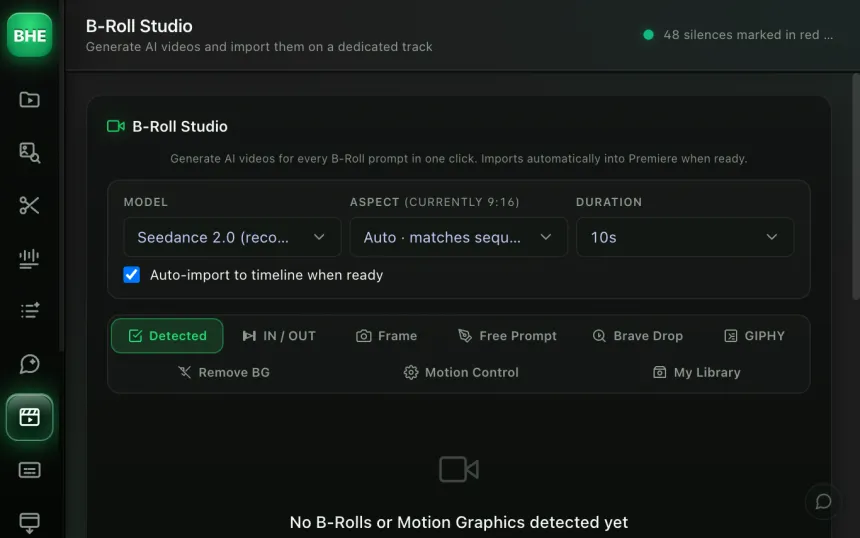
B-Roll Studio
Batch AI video generation. 18+ models (Kling 3.0, Veo 3.1, Seedance 2.0). The catalog follows new models as updates ship.
All the tools
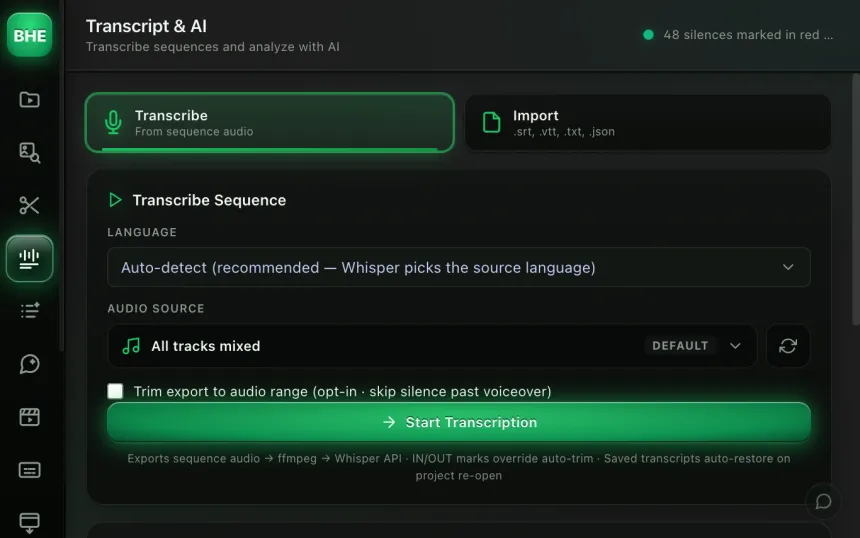
Transcript AI
Multi-provider transcription plus AI analysis with 10+ colored marker types. Export YouTube chapters.
AI Analysis
From transcript to edit plan. 63 insights: chapters, B-Rolls, questions, key points, CTAs, moments worth animating.
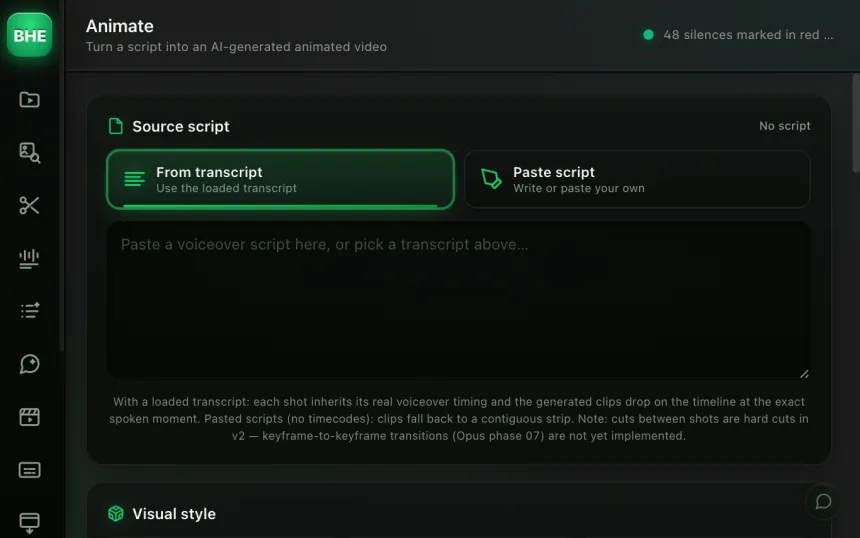
Animate
A 6-phase pipeline: script to AI video. 10 styles, every shot generated and placed under your voiceover automatically.
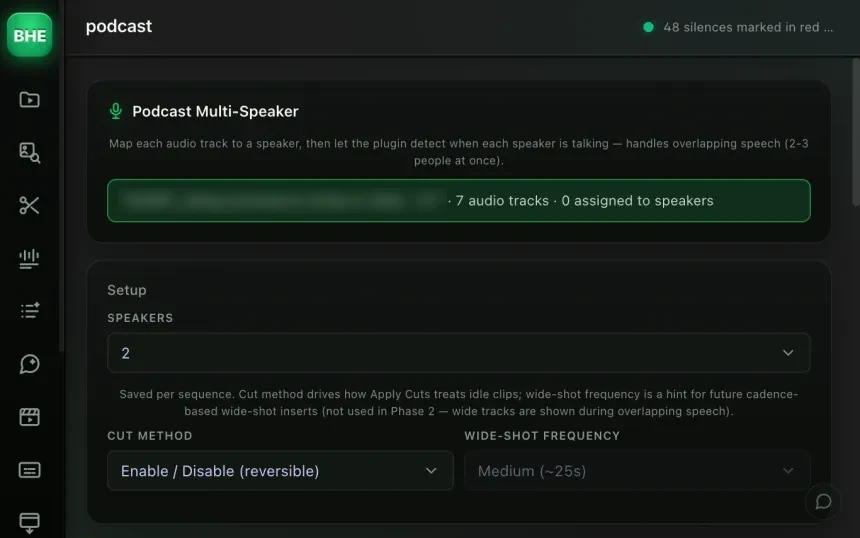
Multi-speaker podcast
2 to 8 speakers, 1 to 8 cameras, detects who is talking, wide shot when several people talk.
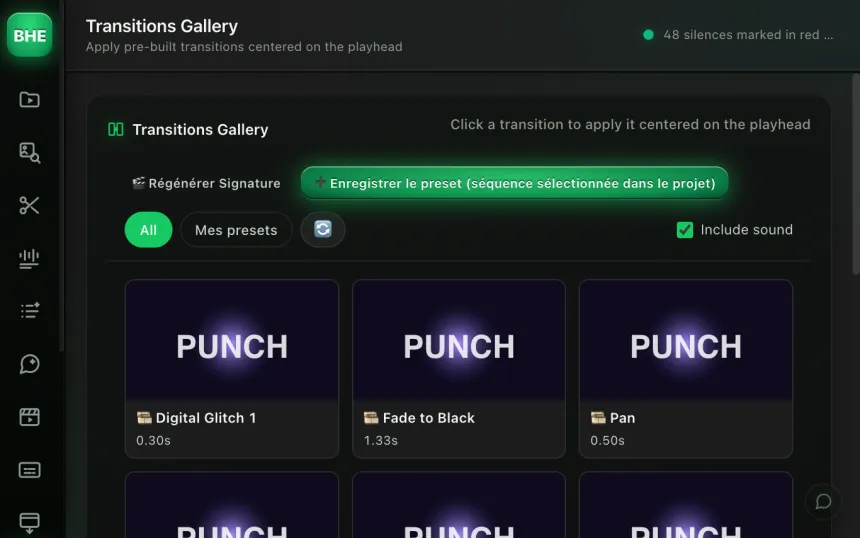
Transitions Gallery
Every transition in one catalog with previews. Apply them across the whole timeline in one click.
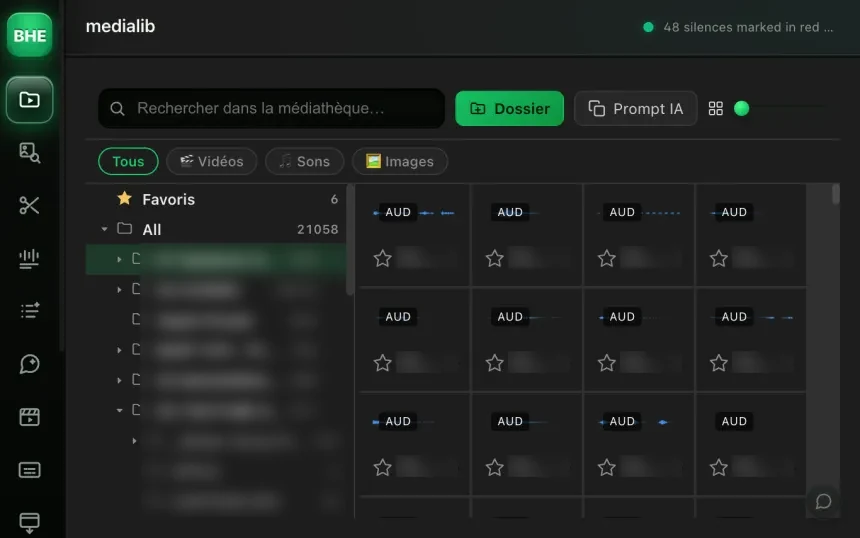
Media library
Index your B-Roll folder, then search by keyword or meaning. Claude describes your files for you.
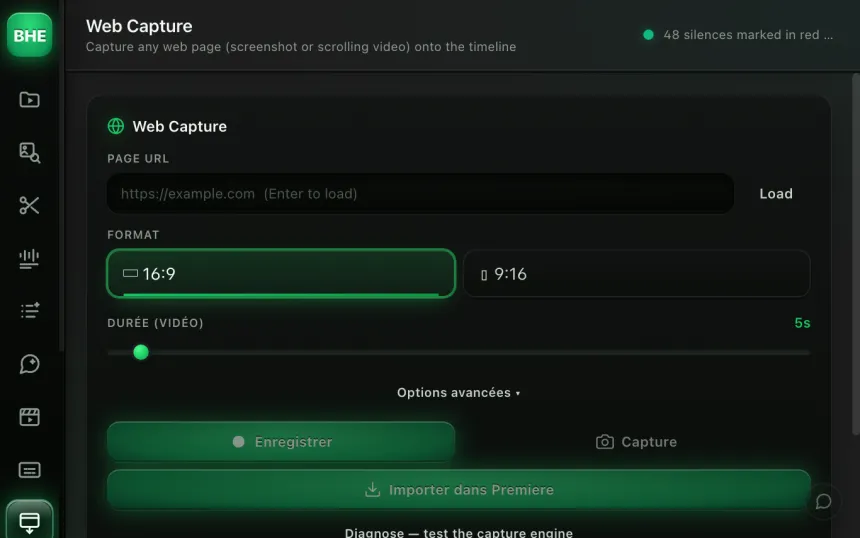
Web Capture
Capture a still or a scrolling video of any site. Headless Chrome, stealth mode, cookie banners dismissed.
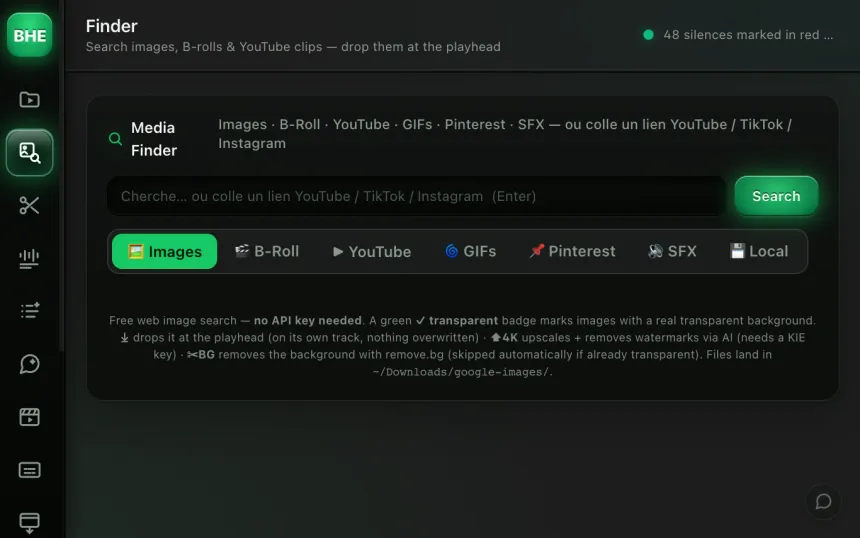
Media Finder
One search field, 6+ sources at once. Images, videos, sounds, all in the same grid.
Motion Design Studio
AI concept art plus automatic animation. From a "motion" marker to an animated clip in 3 clicks.
Also in the plugin
Ask AI
Drive your timeline by conversation. Your own Claude subscription, 100+ editing tools, strict guardrails.
Micro-tools
3 shortcuts for everyday jobs: reels and YouTube thumbnails, un-nesting sequences.
Every tool, one free trial
Try everything for 14 days. Card required · cancel online anytime from your account.
Start the free trial →Cancel online anytime from your account · Email support