⏱
Live preview
Every slider move recalculates the preview in 90 ms. You see exactly what will be cut before you press the button.
AutoCut finds the silences in your audio and cuts them automatically. 3 sliders, 4 presets, a live preview that recalculates as you move them. You press once, it comes out clean.
macOS · Premiere Pro 2025+ · Windows in closed beta · 14-day trial
Three reasons editors switch to AutoCut.
Every slider move recalculates the preview in 90 ms. You see exactly what will be cut before you press the button.
It decompresses the .prproj, splits at the boundaries, removes the silences and ripple-shifts everything. No razor tool, no undo flood.
Podcast, interview, aggressive, gentle: each preset sets the dB threshold, the minimum length and the padding. Plus your own presets.
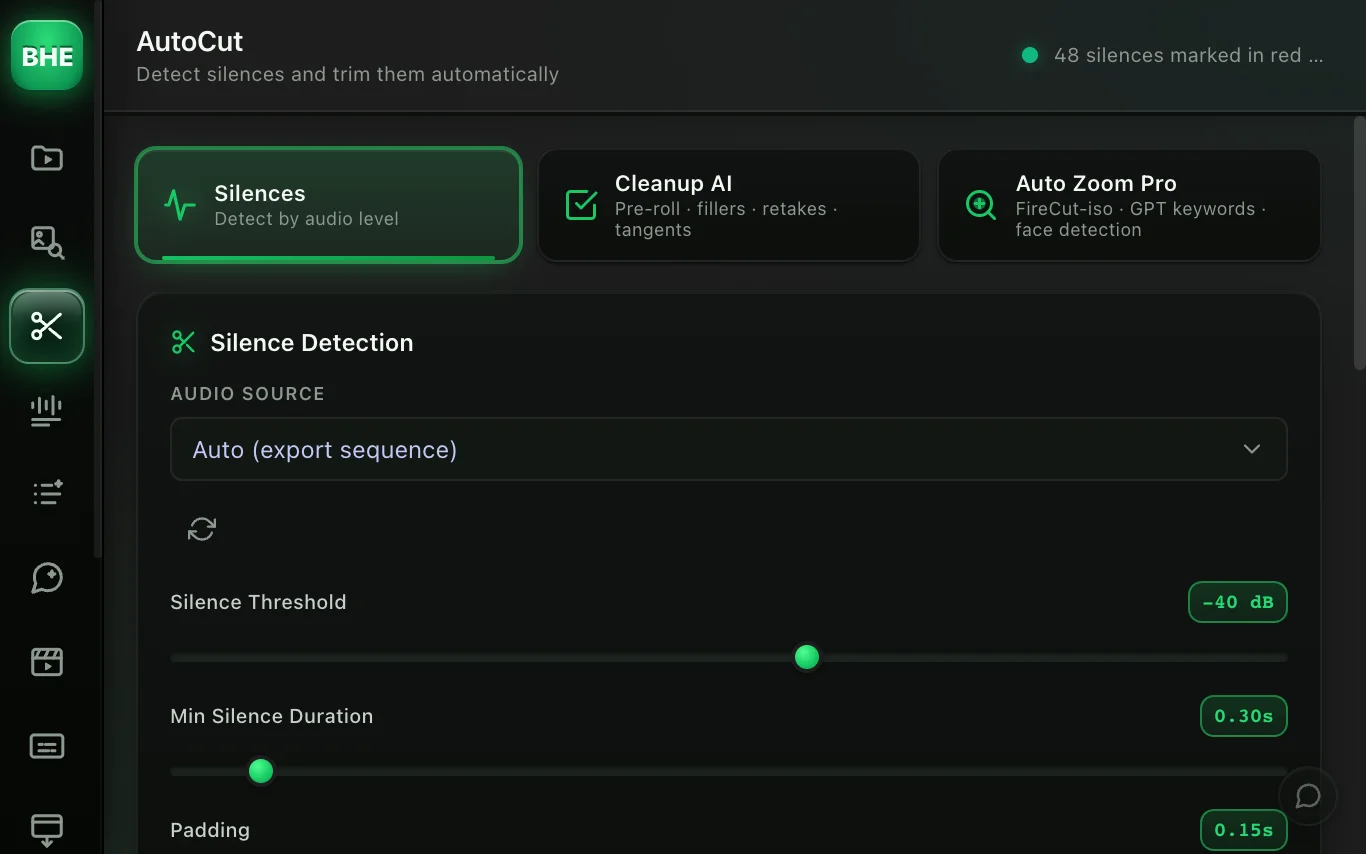
Silence threshold (dB), minimum length, and padding before and after. Or pick a preset: podcast, interview, aggressive, gentle.
The live preview marks every cut segment in red on the waveform. Adjust in real time until it looks right.
The TurboCuts engine decompresses, splits, deletes and recompresses your project. No razor tool, no manual ripple, no undo flood.
No razor tool, no undo flood. TurboCuts decompresses the .prproj file (gzipped XML), finds the silence boundaries, removes the clips involved and recomputes every position with an O(n log n) prefix sum. The project is recompressed and reimported automatically.
The result: your undo history stays clean. To undo it all, one click on Restore brings back the sequence from before the cuts.
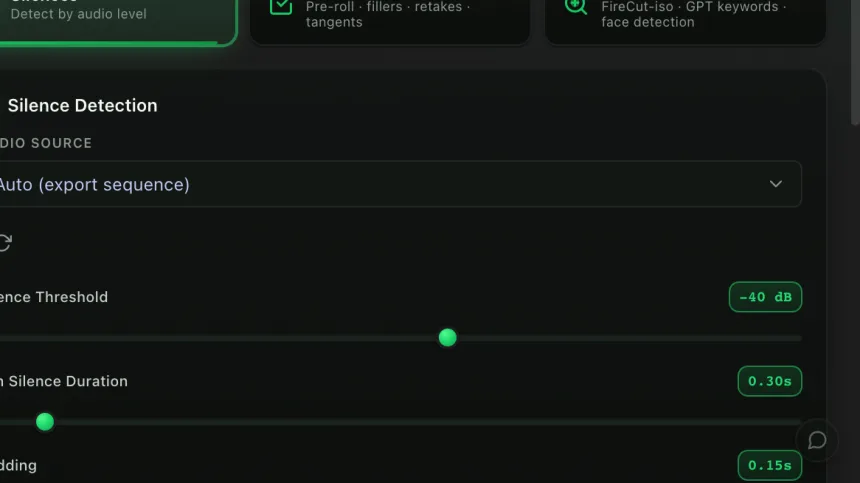
Each preset sets three parameters: the dB threshold (how quiet counts as silence), the minimum length (so breathing pauses survive), and the padding (a margin before and after, so word onsets are not clipped).
Podcast: -38 dB / 0.3 s · Interview: -42 dB / 0.5 s · Aggressive: -32 dB / 0.2 s · Gentle: -45 dB / 0.8 s
AutoCut.com detects silences. So do we, but our TurboCuts engine never touches the razor tool: it edits the project XML directly, which avoids the undo flood and keeps your history clean. And if you want to go further, Cleanup AI (another tool in the plugin) catches the "ums", retakes and stumbles on top of the silences.
Yes. One click on Restore brings back the sequence from before the cuts: the engine makes a backup before each run.
The silence threshold is measured on the audio track you select. The cuts then apply to every linked video and audio track.
Yes. Set the sliders how you like, save the preset under a name, and it is in the menu every time you open the panel.
Premiere Pro 2025 or later, on macOS. The Windows version is in closed beta.
AutoCut is one of 13 tools (plus 10 micro-tools) in the panel. Have a look at the others.
Try AutoCut free for 14 days. Card required · cancel online anytime from your account.
Start the free trial →Cancel online anytime from your account · Email support