How to download YouTube, TikTok and Instagram videos straight into Premiere Pro (free, no ads)
Why download sites keep breaking (YouTube blocks server IPs), the official routes that cost nothing, and how a free Premiere Pro plugin turns a pasted link into a clip in your bin. Sources and prices checked 21 September 2026.
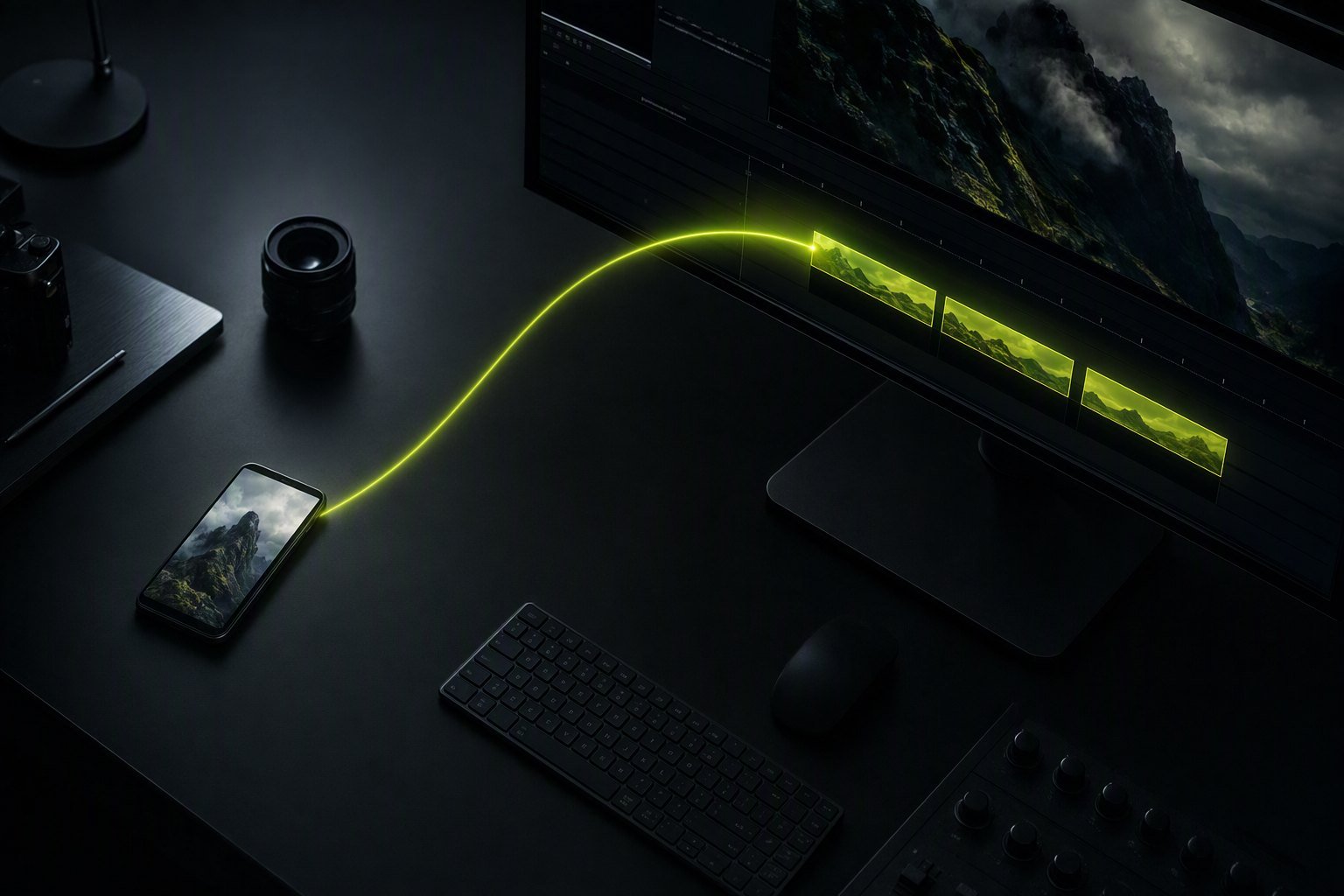
Premiere Pro has no built-in video downloader. The free Black Hat Editor Tools plugin adds one: paste a YouTube, Shorts, TikTok, Instagram Reel or Vimeo link into the Finder search bar, click Download and import, and the clip arrives as an MP4 in your project bin — placed at the playhead if you tick the box.
I am a video editor and I built that plugin, so treat the last section of this article as an interested party talking. Everything before it is the part I would tell you anyway: the official routes first, then why the download sites you have been using keep dying, then the honest limits of every method including mine.
Why do online video download sites feel like a trap?
Two separate reasons, and it helps to keep them apart.
The business model. A free site that costs its owner bandwidth has to make money on the page. That is why the Download button is rarely the Download button. In August 2025, AhnLab's security response centre documented a campaign built on exactly this: fake YouTube download pages where clicking Download sends you, with random probability, either to an ad page or to an installer disguised as a memory-cleaning utility, which drops proxyware that resells your bandwidth without your knowledge. AhnLab published a second analysis of the same campaign alongside it. This is not the whole category — there are decent sites — but it is the reason the category smells.
The technical reason, which is newer and more interesting. An online downloader runs on a server. YouTube increasingly refuses to serve video URLs to requests it cannot attest came from a real client. yt-dlp's own documentation on Proof of Origin tokens puts it plainly: without one, "requests for the affected clients' format URLs may return HTTP Error 403, or result in your account or IP address being blocked" (yt-dlp PO Token Guide).
The clearest evidence is cobalt, the open-source downloader whose README promises no "ads, trackers, paywalls or other nonsense" (imputnet/cobalt, AGPL-3.0). It is the good-faith version of the category. Its public instance still cannot serve YouTube: "cobalt's main instance is currently unable to download anything from youtube due to harsh network limitation from youtube's side", and in an August 2025 update, "strict network limits on youtube's side are still present, we can't go around them at our scale" (issue #1356, opened June 2025, still open).
That is the structural point. It is not that online sites are badly built. It is that downloading from a shared server IP is the thing YouTube is actively blocking, and downloading from your own machine, on your own connection, is not. Any method that runs locally has a structural advantage that no amount of server engineering can buy back.
Browser extensions are not the escape hatch either. Google's own Chrome Web Store documentation lists "The extension is facilitating download of YouTube videos" as a reason for rejection or removal, and states the policy's intent as preventing extensions being used "as a platform to provide access to content protected by paywalls, login restrictions or intellectual property rights" (Chrome Web Store troubleshooting). That is why the extension you installed last year disappeared.
The official routes, which cost nothing and need no tool
Before any third-party anything: if the video is yours, or someone gave you permission, the platform will usually hand it over. These routes have limits worth knowing.
- Your own YouTube upload. YouTube Studio lets you download your videos, but not at the quality you uploaded: "You can download MP4 files of YouTube videos that you've uploaded to YouTube in either 720p or 360p, depending on the video size" (YouTube Help). For a re-edit, 720p is usually not acceptable. Use Google Takeout instead and select YouTube: it returns your source files rather than YouTube's transcodes.
- TikTok. Press and hold a video, then Save video. It only works if the creator allows it, and the file carries the moving username watermark. TikTok's help centre is explicit about the condition: if the account is private or the user is under 16, the download setting "is turned off by default and you can't turn it on" (Manage video downloads).
- Instagram. For your own posts and reels, Instagram's data export in Accounts Center returns a copy of what you published (Review and export a copy of your Instagram information). It is slow — you request it and wait — and it is a bulk archive, not a one-clip workflow.
- Vimeo. Downloads exist as a per-video permission the creator turns on, and you need to be logged in (How to download a video on Vimeo). If the uploader kept their original file on Vimeo, the source file itself can be offered, which no downloader can match.
If one of these covers your case, stop reading. The rest of this article is for the case they do not cover: a reference clip, a clip you licensed, a clip a client sent you as a link, or your own content spread across four platforms at two in the morning.
How to download a YouTube, TikTok or Instagram video into Premiere Pro
Six steps, about ninety seconds the first time and fifteen seconds after that.
- Install the plugin. Get it from the download page; the free plan needs an account but no credit card. The installation guide is four steps: run the installer, restart Premiere, then
Window > Extensions > Black Hat Editor Tools. - Copy the link. The address bar on desktop, or Share → Copy link in the mobile apps. YouTube, Shorts, TikTok, Instagram Reels and Vimeo are recognised, along with Facebook and X.
- Open the Finder tab in the panel and paste the link into the search bar. The panel detects it is a URL rather than a search term and shows a card with the platform name instead of running a stock search.
- Pick video or audio. MP4 for the picture, or audio only if you are after a track, a voice or a sound.
- Tick "place at playhead" if you want the clip on the timeline immediately. Leave it unticked and the file only lands in your project bin.
- Click Download and import. A progress bar runs; the file is downloaded, imported into a bin in your project panel, and placed on the first free track at the playhead if you asked for it.
The first download is slower than the rest because the plugin fetches yt-dlp — about 35 MB, the official build, straight from its GitHub releases — into a folder in your home directory. You never open a terminal, and there is nothing to install by hand.
What happens under the hood, and why the clip actually plays in Premiere
This is the part that separates a file you can edit from a file that wastes twenty minutes. Three decisions were forced on us by real failures, all of them dated in our own code.
It downloads at 1080p, not the maximum available. Every modern YouTube video also exists in 4K VP9 or AV1. Fetching that means hundreds of megabytes and a long merge, to produce a file you will drop into a 1080p timeline. Our selector caps resolution at 1080 and prefers H.264, then pulls eight fragments in parallel. Before that change, in August 2026, a short clip could take over ten minutes. If you genuinely need 4K, this tool is the wrong one — use yt-dlp directly with your own format string.
Premiere cannot decode VP9 or AV1 in an MP4. When it gets one, it imports the audio and reports a missing codec — which looks exactly like a broken download. Instagram in particular serves VP9 in DASH and labels its H.264 variants in a way no format filter can reliably prefer. So after downloading, the file is probed; if the video track is VP8, VP9, AV1 or Theora, it is re-encoded to H.264 at CRF 18 before import. Slower, but the clip opens.
"Audio only" does not mean MP3. Premiere reads AAC natively, so the plugin takes the M4A track and remuxes it without re-encoding — effectively instant. Re-encoding to MP3 took around twenty seconds on a four-minute track for no benefit, so it is only a fallback when no M4A exists. The file you get is an .m4a.
The honest limits. TikTok and Instagram lock their web APIs, so the plugin presents a real browser's TLS fingerprint and, if that is refused, reads your Chrome cookies, then Safari's. YouTube's anti-bot check gets the same treatment. This works, and it also means: a private or members-only video will fail, because there is no account to authenticate with; and on a machine where you are not logged into the platform in Chrome or Safari, some social links will not resolve. If YouTube changes its extractor, the plugin updates yt-dlp itself and retries once — in our experience that clears the large majority of those failures, because "YouTube changed something" and "your binary is three weeks old" are usually the same sentence.
Online site vs extension vs yt-dlp vs desktop app vs plugin
Checked on 21 September 2026.
| Method | Ads / redirects | Watermark | Max quality | Lands in Premiere | Price |
|---|---|---|---|---|---|
| Generic online downloader | Usually, sometimes malicious | Depends on the site | Varies, often capped | No — download, find, import by hand | Free |
| cobalt (public instance) | None, open source | No | Source quality | No | Free |
| Browser extension | Varies | No | Varies | No | Free, but banned from the Chrome Web Store for YouTube |
| yt-dlp (command line) | None | No | Up to source, your choice of format | No | Free, open source |
| 4K Video Downloader Plus | None | No | Up to 4K/8K | No | Free tier · €18/year · €30 or €48 one-off |
| Black Hat Editor Tools Finder | None | No | 1080p, H.264 | Yes — bin + playhead | Free plan, account, no card |
Bottom line: for raw capability, yt-dlp wins and it is free — if you are comfortable in a terminal and willing to pick format strings, nothing beats it. cobalt is the honest online option when its instance is serving. 4K Video Downloader Plus is the answer if you want above 1080p in a proper app. Our Finder wins on exactly one axis: the file is already in your project when the download ends, and you never left Premiere. If you download one clip a month, that axis is worth nothing. If you do it ten times a day, it is the whole thing.
Is it legal to download a video for your edit?
Two different obligations get mixed up constantly, and separating them is most of the answer.
Platform terms of service are your contract with YouTube, TikTok or Instagram. YouTube's terms, effective 9 January 2026, restrict accessing, reproducing and downloading content except as authorised by the service, with written permission, or as permitted by law (YouTube Terms of Service). Breaking them is a matter between you and the platform.
Copyright belongs to whoever made the video, and that is where the real consequences live: a claim, a takedown, a strike, a lawsuit. You are on solid ground in four cases:
- It is your video. Nothing to discuss.
- You have permission, in writing, from the rights holder.
- The licence allows it — YouTube's Creative Commons BY setting, public-domain archives, stock you paid for.
- An exception in your country covers your use. In the United States, that is fair use under 17 U.S.C. § 107, weighed on four factors and decided "on a case-by-case basis" (U.S. Copyright Office). In France, article L. 122-5 3° a) of the intellectual property code allows "analyses et courtes citations" justified by the critical, polemic, educational, scientific or informational character of the work they are built into, on the condition that the author's name and the source are clearly indicated (Légifrance).
Note what that French wording requires: not just a short extract, but a commentary the extract serves, and a visible credit. A montage of clips with music over it is not a quotation. None of this is legal advice, and none of it changes with the tool you use. A downloader gives you a file. It does not give you a right.
Which route for which job
| Your situation | Do this |
|---|---|
| Re-editing your own YouTube upload | Google Takeout — it returns the file you uploaded, not a 720p transcode |
| Grabbing your own TikTok without the watermark | Download the master from wherever you edited it; TikTok's own save button stamps it |
| One reference clip, once a year | cobalt, or yt-dlp if you have it installed |
| Above 1080p, or a whole playlist | yt-dlp with your own format string, or a desktop app |
| Ten links a day, into an open project | A plugin that imports straight into the bin |
| A client's Vimeo link | Ask them to enable downloads — you get the source file, not a transcode |
The short version
Try the official route first: Google Takeout for your own YouTube uploads, TikTok's save button if the creator allows it, Instagram's data export, a Vimeo download permission. They cost nothing and they are unambiguous.
When the official route does not exist, remember what is actually broken: online download sites are not badly made, they are running on server IPs that platforms have decided to block, and browser extensions that do this are removed from the Chrome Web Store by policy. Anything that runs locally — yt-dlp in a terminal, a desktop app, or a plugin inside your editing software — sidesteps the whole problem.
If you want it inside Premiere, the Media Finder in our plugin takes a pasted link and hands you a clip in the bin; the free video downloader page lets you check a link before installing anything. While you are automating the boring parts, the silence removal guide covers the derush, and the comparison of AI plugins for Premiere Pro covers everything else we and our competitors do — including what they do better.
Frequently asked questions
Why does my downloaded video import into Premiere Pro with sound but no picture?
The file is almost certainly VP9 or AV1 in an MP4 or WebM container, which Premiere Pro cannot decode. It imports the audio track and reports a missing video codec. Re-encode it to H.264 — with ffmpeg, HandBrake, or a tool that does it automatically after download — and it will open normally.
Why do online YouTube downloaders keep breaking?
Because they run on servers, and YouTube blocks requests it cannot attest came from a real client, returning HTTP 403 or blocking the IP. Even cobalt, the open-source reference, has had its public instance unable to serve YouTube since mid-2025 for that reason. Anything running on your own machine and connection is not subject to the same pressure.
Can I download a YouTube video in 4K for my edit?
Not with our plugin: it caps at 1080p and prefers H.264, deliberately, because a 4K VP9 download takes minutes and then has to be re-encoded before Premiere will touch it. If you genuinely need 4K, use yt-dlp directly with your own format selector, or a desktop app that offers a resolution menu.
Do I have to install yt-dlp myself?
No. The first time you download a link, the plugin fetches the official yt-dlp build from its GitHub releases — around 35 MB — into a folder in your home directory, and keeps it updated. You never open a terminal. If you already have yt-dlp installed via Homebrew or elsewhere, it uses that one instead.
What happens with a private or members-only video?
It fails, and it should. Downloading assumes public access; a private or members-only video has none, and the plugin has no account to authenticate with. You will get a clear error rather than a silent empty file. The route there is to ask the person who owns the video for the file.
Does downloading a video for my own edit break the law?
Downloading and publishing are different acts. Pulling a clip onto your disk may breach a platform's terms of service, which is a contract matter; reusing it in a published video without a right is the copyright question, and the one with consequences. Your own content, written permission, a permissive licence, or an exception such as quotation or fair use are the four solid grounds.
How do I get my own YouTube upload back at full quality?
Not through YouTube Studio, which caps downloads at 720p or 360p. Use Google Takeout, select YouTube and YouTube Music, and request your videos: Takeout returns the source files you uploaded rather than YouTube's transcodes. It takes hours to prepare and arrives as a set of archives, so ask for it before you need it.